Connecting the Stack
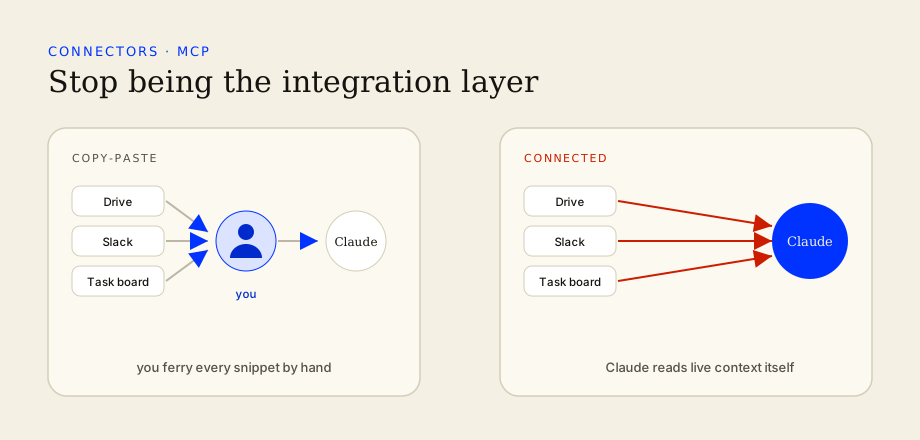
Wire Claude to the tools you already use — Drive, Slack, your task board — so it works from live context instead of copy-paste.
- Understand what connectors can and can't do
- Connect one source safely
- Pull live data into a marketing task
Orchestration starts here
Once Claude can read your real context, you stop being the integration layer — the person copy-pasting between five tabs. Connectors (MCP) let Claude reach into the tools you already use. This is the shift from assistant to orchestrator.
Connect one source
- 1
Pick the highest-friction source
Wherever you copy-paste most — usually Drive or your task board.
- 2
Connect with least privilege
Grant access to exactly what a task needs, nothing more.
- 3
Run one real task on live data
Ask Claude to pull this week's activity and draft from it — no pasting.
- 4
Confirm freshness
Check it's reading current data, then fold the connector into your prompts.
Connect with intent. Grant access to what a task needs — nothing more.